If you're thinking about leaving WordPress, the first thing we'll ask isn't about budget. It's about your site. We work on a pay-as-you-go basis, so nothing gets charged from day one, and the price comes after we understand what you need.
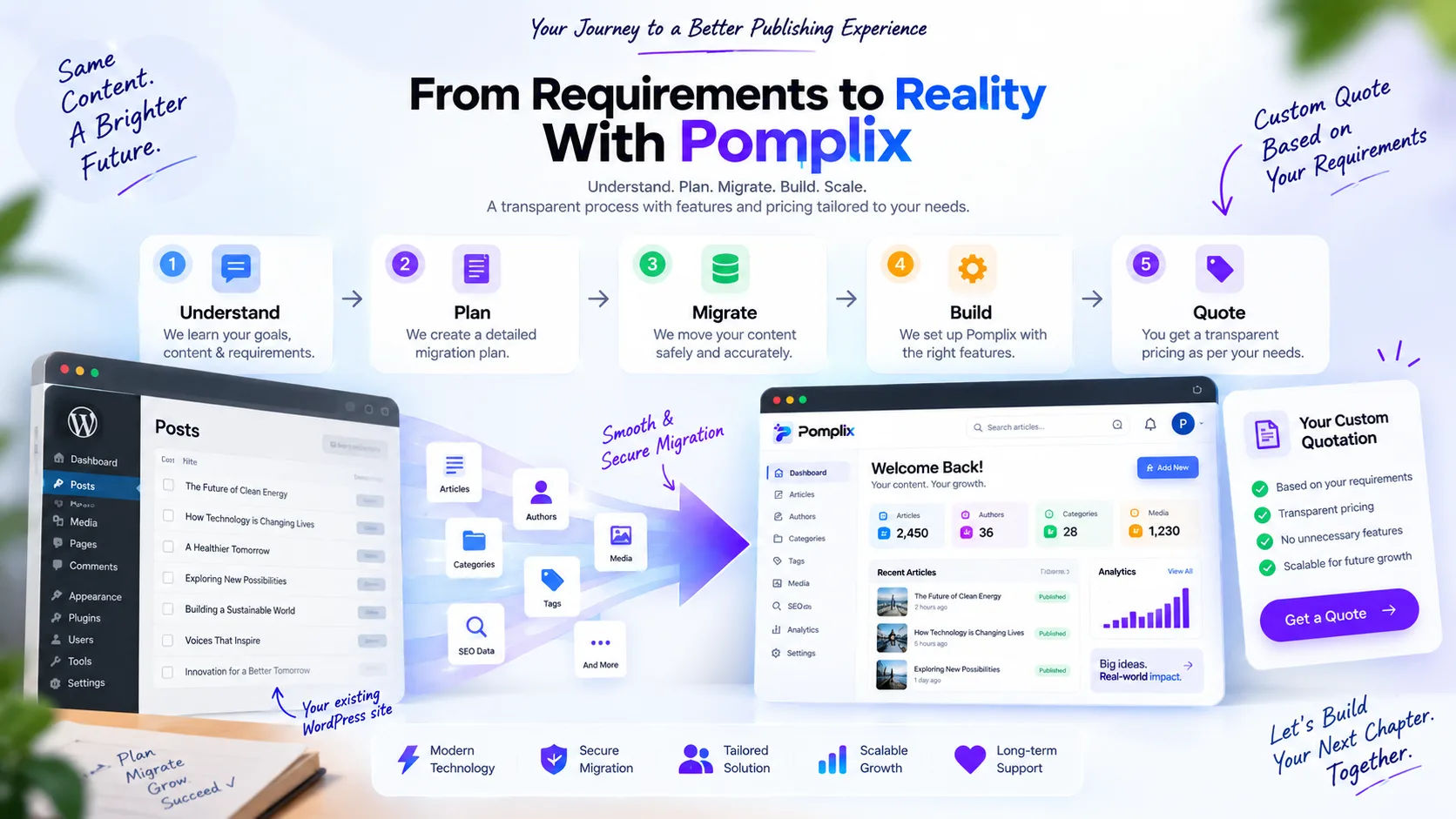
Here's the process from first call to final switch, so you know what to expect.
Step 1: We start by listening
Every publication is different. Some have thousands of articles. Others have a smaller library with a lot of structure: authors, categories, tags, media and SEO that all have to stay connected. Some have custom workflows or integrations that nobody wrote down.
So we ask. How many articles and authors are there? How are categories and tags used? What about featured images, existing URLs, SEO needs and custom post fields? How does your editorial team actually work, what's connected to the site today, and what do you want to be able to do in a year?
It prevents the two things that sink most migrations: paying for features nobody uses, and finding out about a key requirement halfway through the build.
Step 2: We write a migration plan
Moving to a new dashboard is more than copying content across. The path we plan around is:
WordPress / MySQL → Node.js migration and sync → MongoDB → Pomplix Dashboard
We usually break the work into four phases.
Phase 1: the content
Articles, authors, categories, tags and media move first.
Phase 2: SEO and custom data
Next we work out which SEO and custom fields are really needed. We don't copy every WordPress field. We keep the ones with value.
Phase 3: sync
If you're still publishing during the move, a sync layer picks up new, edited and deleted content so both sides stay aligned.
Phase 4: connecting the dashboard
When the data has been migrated and checked, the Pomplix Dashboard connects to it. By then you're building on data you've already verified.
Step 3: Your content keeps its identity
An article is more than its title and body. It has an author, a category, a few tags, a featured image, a URL, dates, SEO information and sometimes custom properties. We keep the original WordPress post ID alongside each one, which lets the new system match records and avoid duplicates when it syncs.
Step 4: Features come from your needs
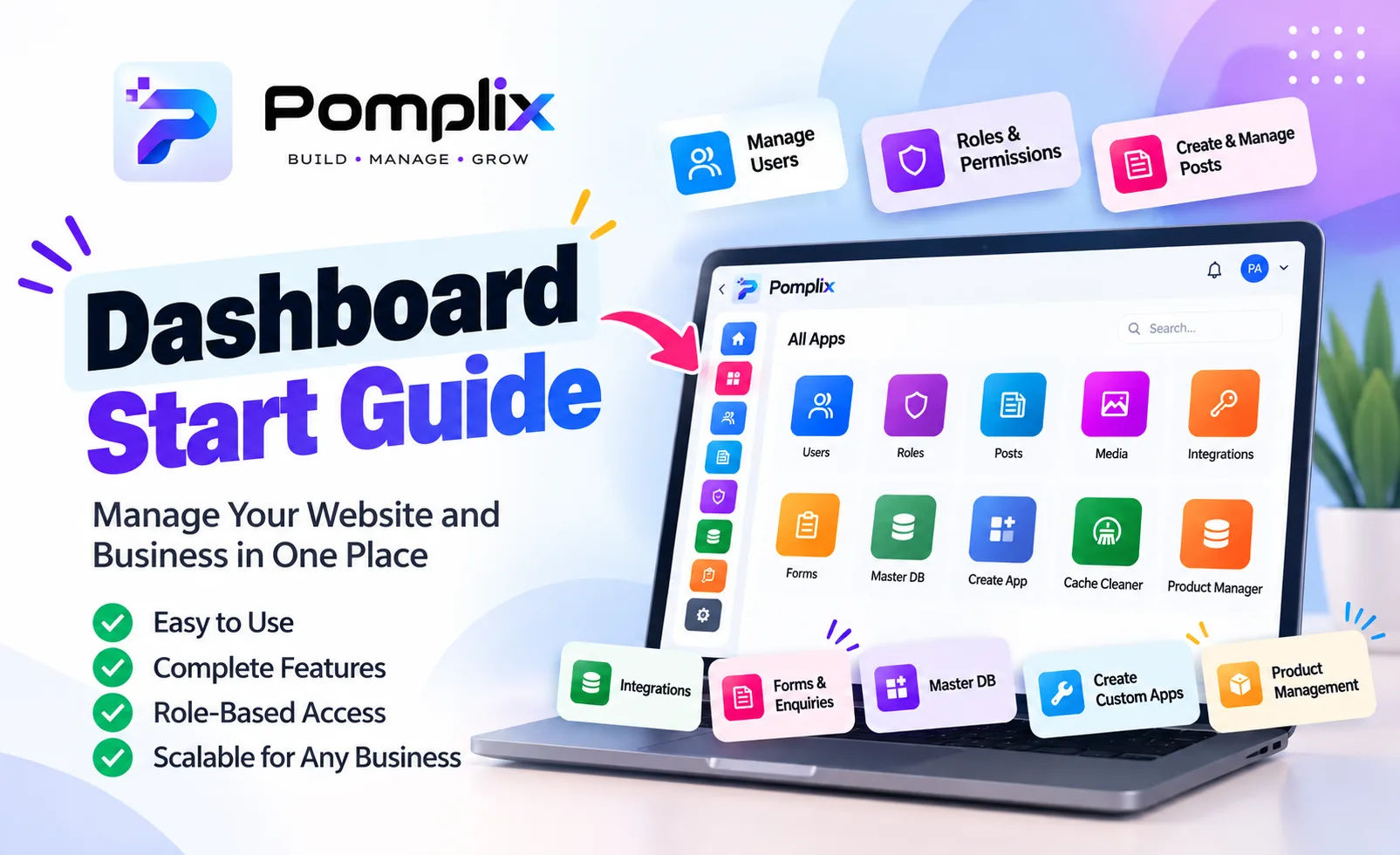
There's no fixed feature bundle that every client has to buy. What you get depends on the project. Here's what can go into a workspace:
Behind it all sits MongoDB for the data, a server API layer and a React dashboard. You can add more as the publication grows, so the first version doesn't have to carry everything.
Step 5: We check everything before switching
A working dashboard doesn't mean a finished migration. We compare post counts between WordPress and MongoDB. We check authors, categories, tags and media. We read through a sample of articles, titles and URLs, and verify publication dates and SEO or custom fields. And we confirm nothing got duplicated.
Only then does the dashboard go fully over to the new system. We'd rather be careful than quick.
Step 6: Then we talk price
Most agencies give you a package and a price list. We do it the other way round. The quote comes after we understand the project, because a few hundred articles and a few thousand articles with lots of relationships, a heavy media library and custom integrations are very different jobs.
A quote usually reflects things like:
The aim isn't to sell you the biggest package. It's to work out what the project needs to succeed. One client might only need migration, Posts and SEO. Another might need a custom dashboard, Media, sync and extra integrations. Both get a quote that matches.
What you'll know before we start
By the time development begins, you should be able to say what's being migrated, what's being built, which features are included, what else came up during discovery, how the migration and validation will work, and roughly what it'll cost. Surprises halfway through are the thing most people dread about migrations, and this takes most of them away.
It's about the people, not the dashboard
A migration gets described as a technology project, but every article has a person behind it. Someone wrote it, someone edited it, someone decided to publish it and, eventually, someone read it. We don't want to just swap one dashboard for another. We want the people who run a publication to spend less time on technical fuss and more on their actual work.
Start with a conversation
There's no single plan that suits every publication, no feature set that everybody needs, and no reason to pay for things you won't use. That's why we begin with a chat.
Tell us about your site. What's working, what isn't, and what you'd like your publishing workflow to look like. From there we'll scope the migration, write the plan, pick the right features and give you a quote based on the real work.
Ready to talk it through? Get in touch with a few notes about your current site and what you want from the move.